
How To Close Your Account
You can close your Voices by INaudio account by following these steps:
Log in to your Voices account.
Click My Account.
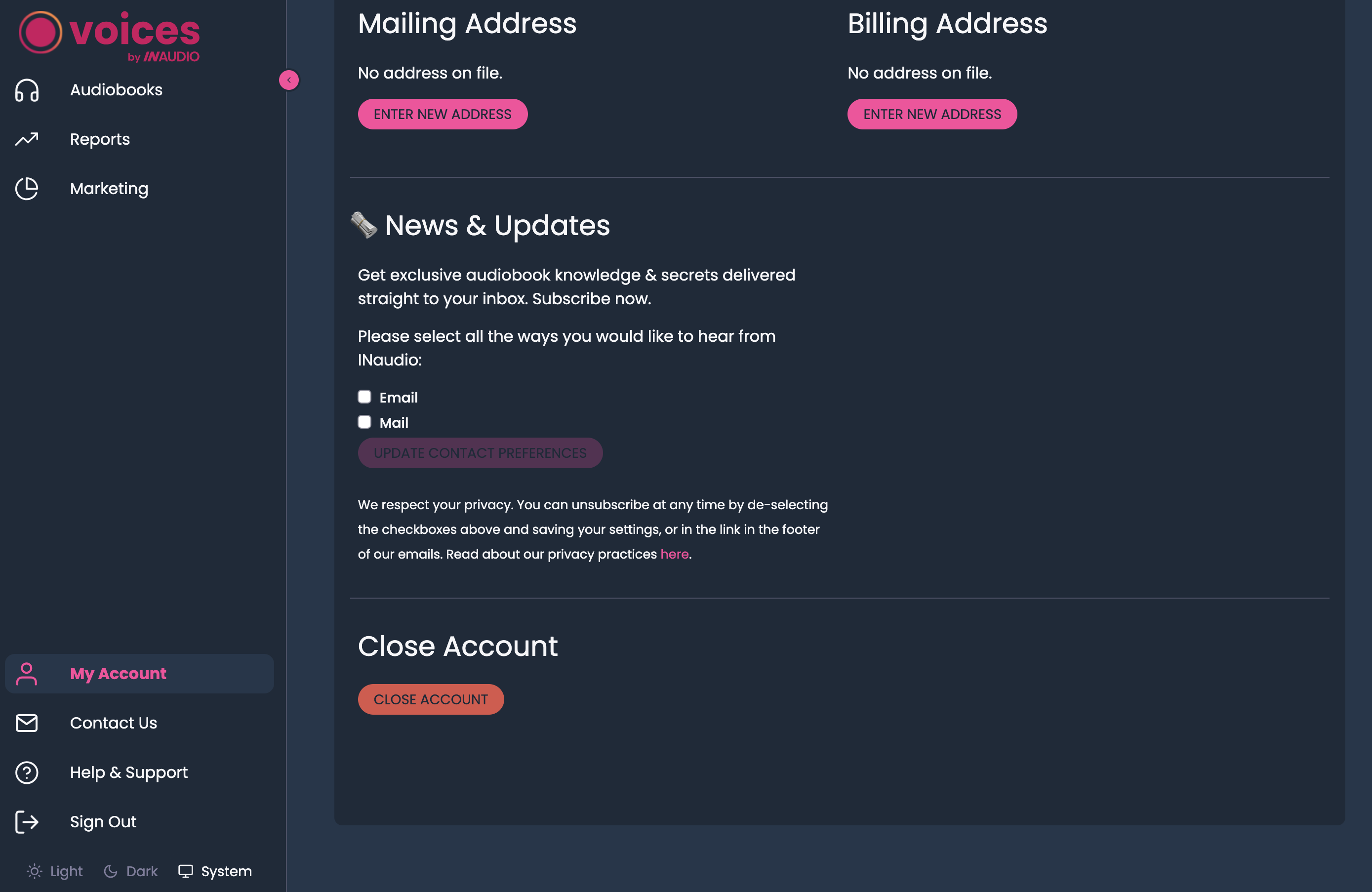
Scroll down and click Close Account.
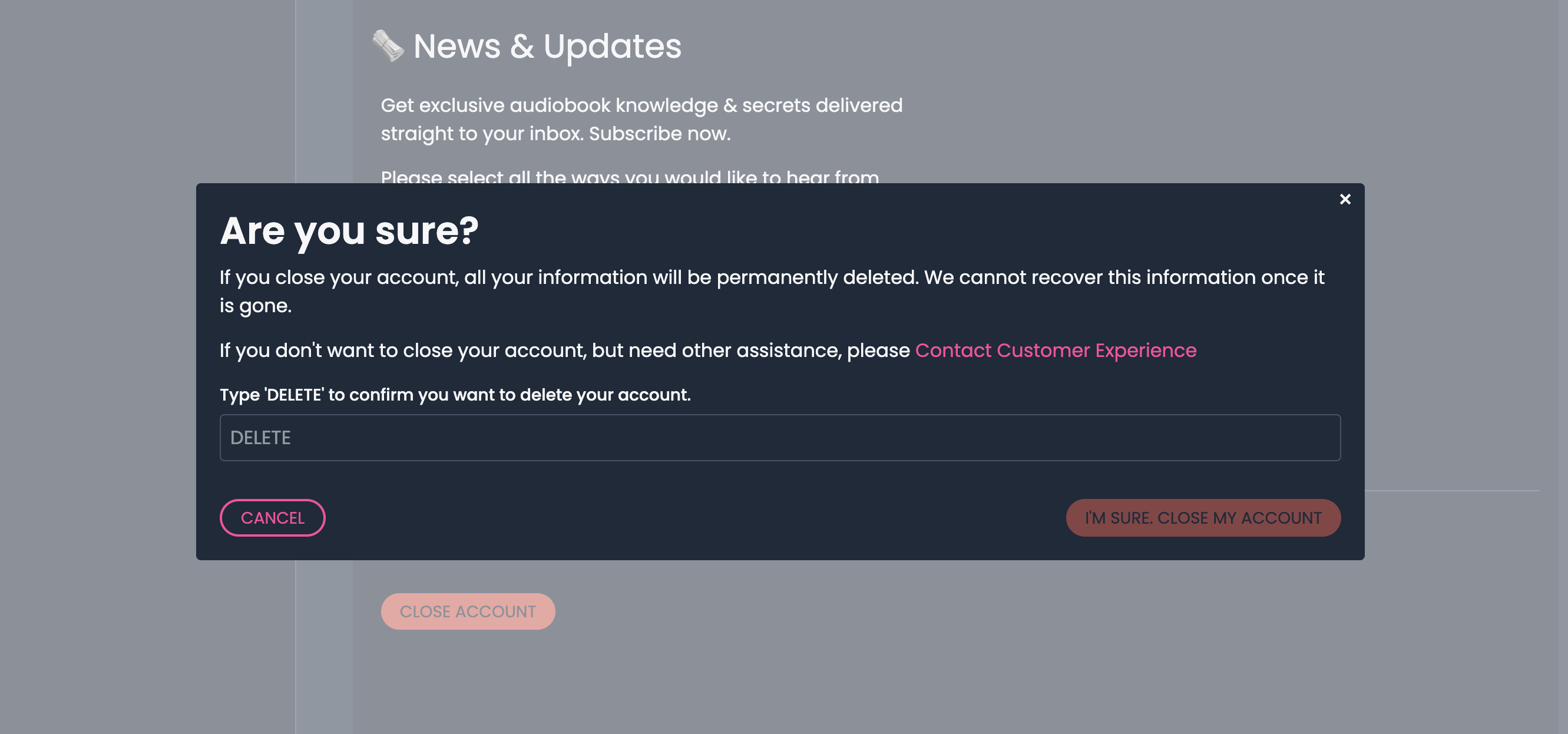
In the “Are You Sure” confirmation, type DELETE.
Click I’m sure to confirm your account closure.
Unable to close your account?
If you have published audiobooks, self-service closure is not available. Email support@inaudio.com from the email address registered to your Voices account and request account closure.
Our team will coordinate any required audiobook removals and confirm that final royalties have been paid before closing your account.
If you can’t complete the steps above, contact Support from your registered email address for help.
Previously published titles on Audible?
If you have ever published audiobooks on Audible through Voices, please email support@inaudio.com from your registered email address before closing your account. Let us know which titles were published on Audible so our team can coordinate any required removals.